
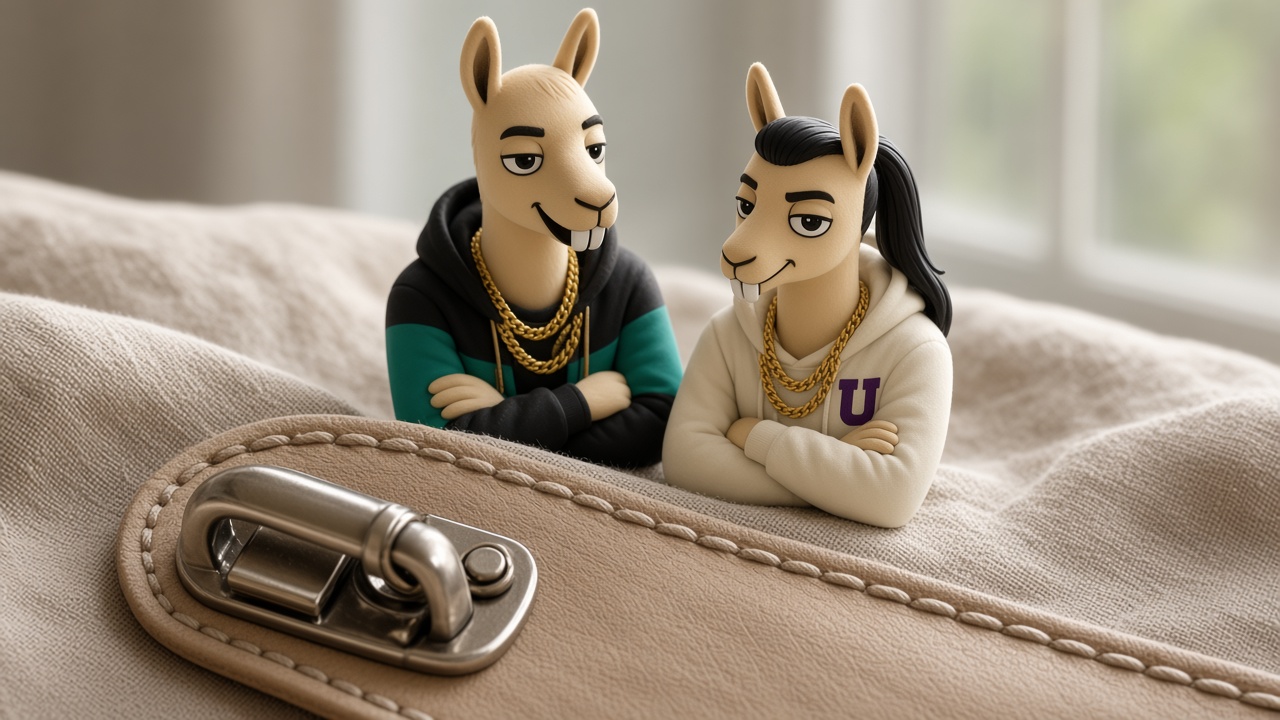
A stranger who likes the full photo still hesitates on the part that fails. The clasp. The stitch. The glaze at the rim. The corner of the box. They pinch to zoom, or they search the product name plus “close up,” or they leave. Give them that frame on purpose, sharp, of the real object, before they have to hunt for it. A blurry crop of your hero image is not a close-up. It is a confession that you hoped they would not look.
Neurollamas is an AI marketing studio for product shops and creators. The detail you are willing to show belongs with the brand at neurollamas.com, next to the full product, not instead of it.
Shoot the part they will pinch
Pick one detail per product, the one that answers the doubt:
- Jewelry: the clasp opening and closing, or the stamp if you have a real one. Not a sparkle so tight that the chain could be anything.
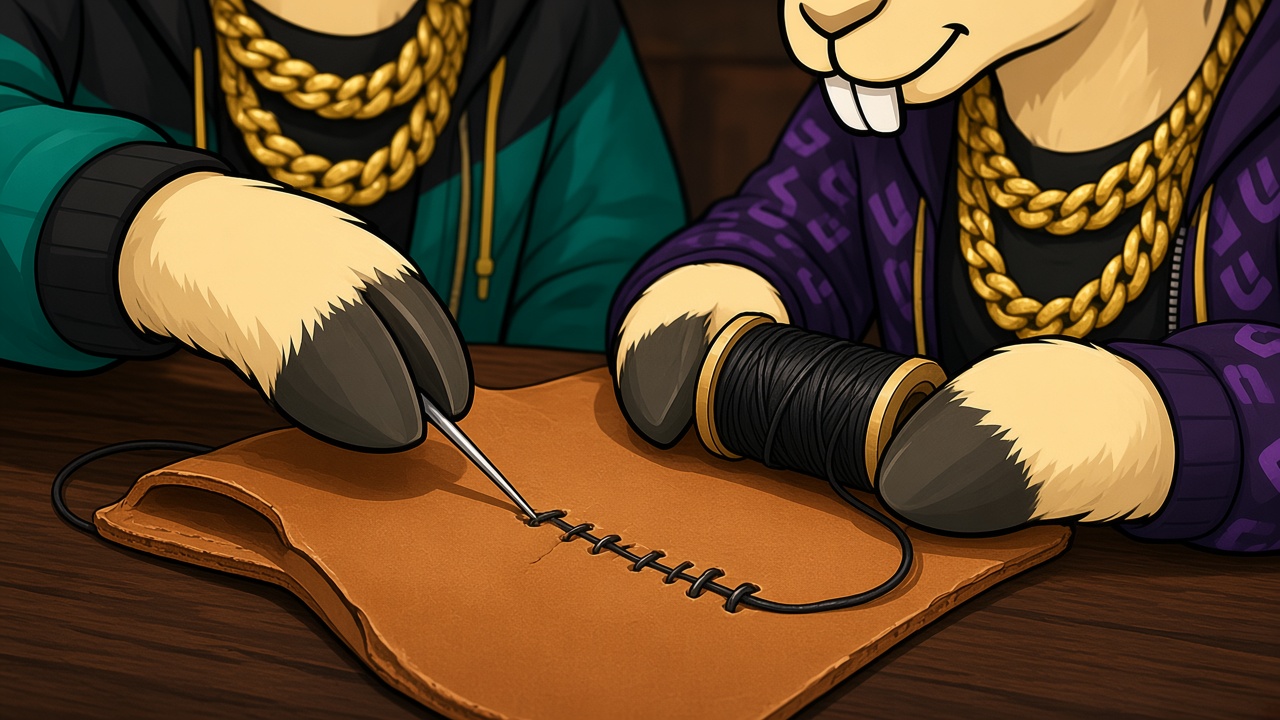
- Leather and fabric: the stitch line, even and pulled, or the flaw if the flaw is part of the material. Hiding a skipped stitch in the hero angle means the unboxing will reveal it.
- Ceramic and glass: the rim and the foot. Chips live there. If this batch has a speck in the glaze, the close-up should not be a different, perfect batch.
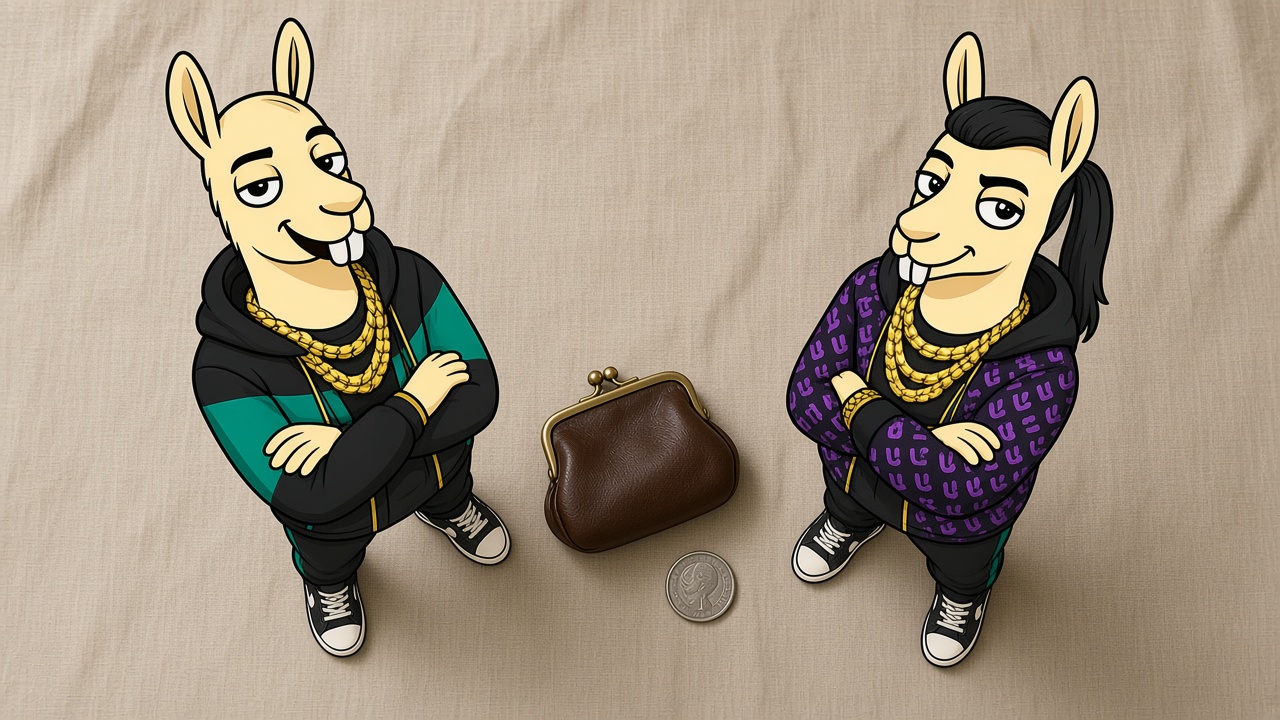
- Small goods: the object next to a coin, a phone, or a hand you have a right to show. Size doubts are detail doubts. The longer version is how to show real size.
Light it so the texture is visible, not so the highlight wipes the surface out. If you generate the frame, the reference is this clasp, not “a nicer clasp.” A generated stitch that is more even than the one you sew is a product you do not ship. Reject it the way you reject a wrong label.
Put the close-up where the zoom already happens
Order on the page:
- The full object, clean enough for the Shopping file if you sell there. No essay written on the pixels.
- The close-up of the part that fails.
- Scale, if the close-up made the object look huge.
- The thing in use, if use changes the meaning.
That order is the same idea as the zoom-in carousel on Instagram. The second frame is not a repeat of the first with a vignette. It is the answer to “but what about the clasp?”
Name it in the alt text: “gold-filled clasp, open, on the 18-inch chain.” The words are the ones in the alt-text piece and in the title. A file called IMG_4421.jpg with alt text “detail” does not help the person who searched “clasp.”
Keep a note on the brand profile of which detail represents each SKU. A later post should not zoom in on a prototype clasp you replaced. If the hardware changes, the close-up changes the same day as the page.
What a close-up is not allowed to do
- Hide a defect that every unit has. Show it, and say it in the questions on the page: “The glaze has small iron specks. That is the clay, not damage.”
- Use a macro so extreme the material looks expensive when the title says plated or faux. The noun and the crop have to be the same honesty, as in whether it is real.
- Borrow a detail from another brand’s product photo because yours would not survive the zoom.
- Add an arrow and the word “QUALITY” in a sticker. The arrow can live in a caption. The sticker gets in the way of the thing they came to see, and it ruins the file if you later reuse it for Shopping.
Questions the second image should end
Can I see the clasp?
The second image is the clasp. Reply with that, not with “DM me.” If the clasp is not photographed yet, you are not ready for the traffic you are asking for.
Is it as small as it looks?
Point at the scale frame and repeat the measurement in words. “Seven inches wide. The coin in the photo is a US quarter.” Do not say “true to size” with no number. True to whose eye?
Are the stitches even on every bag?
Say what is true of the run. “Sewn on the same pattern. Handmade, so the tension is not machine-identical. The photo is a current bag, not a sample from last year.” If you only photographed a sample, say sample, and reshoot before you send US traffic to the page.
Why is the close-up a different color?
Because the light changed or because you uploaded the wrong variant. Fix the file. Do not explain it in a paragraph. A buyer comparing two tabs will believe the file.
A ten-minute shot list
You do not need a new set. You need the frame the full photo refused to be.
- Clean the object. A fingerprint reads as damage at this distance.
- Set it on a plain cloth that is not the same color as the material, so the edge exists.
- Shoot the full object once, for reference, so you know which SKU this detail belongs to.
- Move in until the clasp, stitch, or rim fills at least half the frame and is sharp. If you cannot get sharp, stop and add light. Do not ship a blur and call it mood.
- Shoot scale in the next frame: the object and a coin, or the object and a hand. Keep both in focus enough to compare.
- Look at the files on a phone, not on the camera back. Pinch. If you learn nothing, you are not close enough.
- Name the files with the product noun before you upload them anywhere:
harbor-chain-clasp.jpg,harbor-chain-scale.jpg.
Upload them the same day, second and third on the product, and use the clasp as the second slide of the next post. The caption can be short because the picture is the point: “Clasp, gold-filled, on the 18-inch chain. $64. Ships inside the US.” A buyer who searched the product name plus “clasp” or “close up” should be able to land on that slide or on the page and stop wondering. Wonder is not a step in checkout. It is the step before they leave for a shop that already zoomed in.
If the close-up needs a word, put the word in the caption and the alt text, not across the metal. “Spring clasp” as text on the photo is how a useful frame becomes a thumbnail nobody can pinch. The search query “spring clasp necklace” is answered by alt text and by the product title, which is why those have to name the part. The pixels stay on the part itself. A US buyer on a phone will zoom. Give them metal, stitch, or glaze, not a label you could have typed beside the picture. The zoom is the moment they decide the shop is real enough to pay. Do not waste that zoom today.
Use the same close-up in the cart email and on the pin if that detail is why people hesitate. A buyer who saw the clasp on Pinterest, then on the page, then in the reminder, is looking at one object. A buyer who saw three different clasps thinks you do not know what you sell. Pick the frame from a unit you would ship this week, not from a prototype in a drawer. Date the file in your folder if hardware changes often, so next November you do not upload last November’s ring by habit.
When the comments shift from “is it real?” to “I got it and the clasp matches,” you have the photo right. Until then, the missing frame is the reason a search visit from the US ends without a payment. They were not short on desire. They were short on proof, and proof is a picture you can take before lunch.
This week, add one sharp detail to the product you get the most “is this real / how big” comments on. Put it second. Link the post to that image, not to the homepage. The person who pinches to zoom is the person who was about to pay.